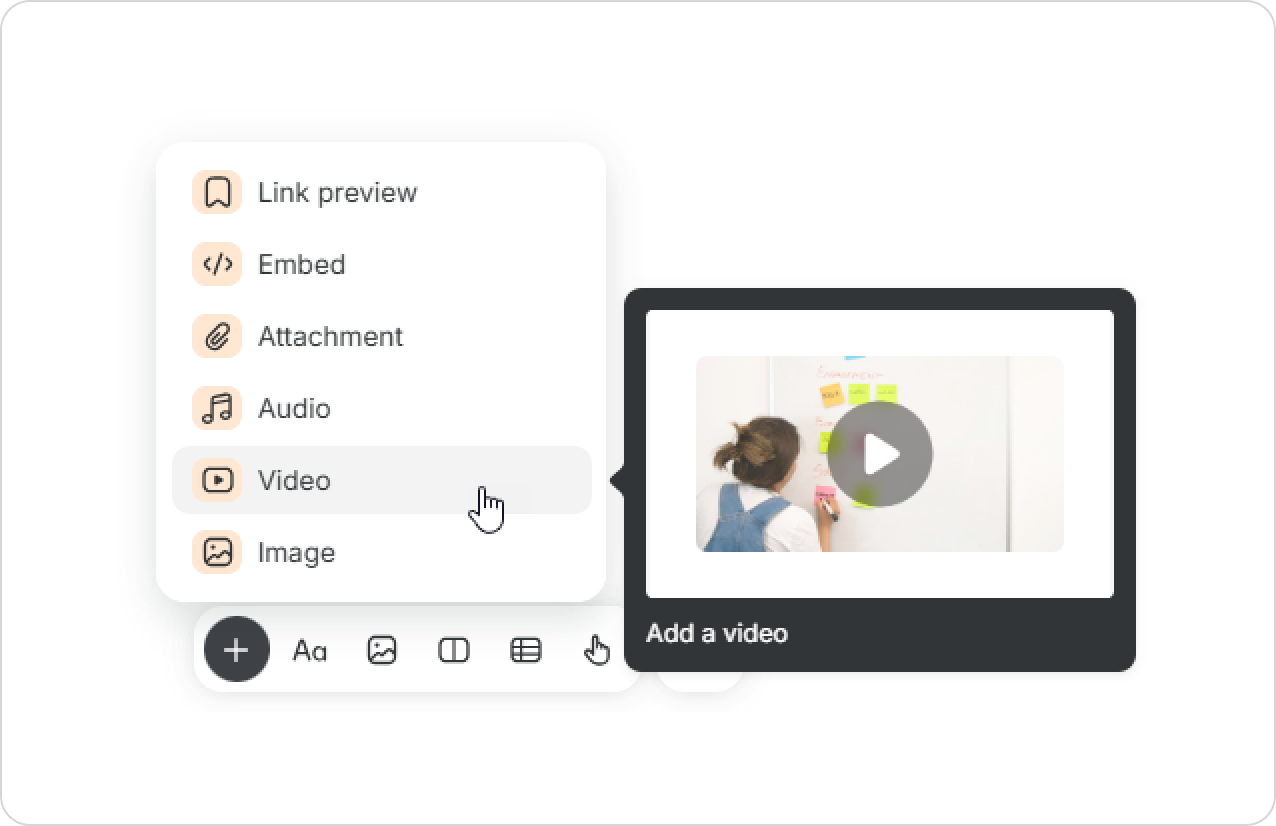
There are 3 ways to upload a video: drag and drop, select from a folder, and copy from another page.
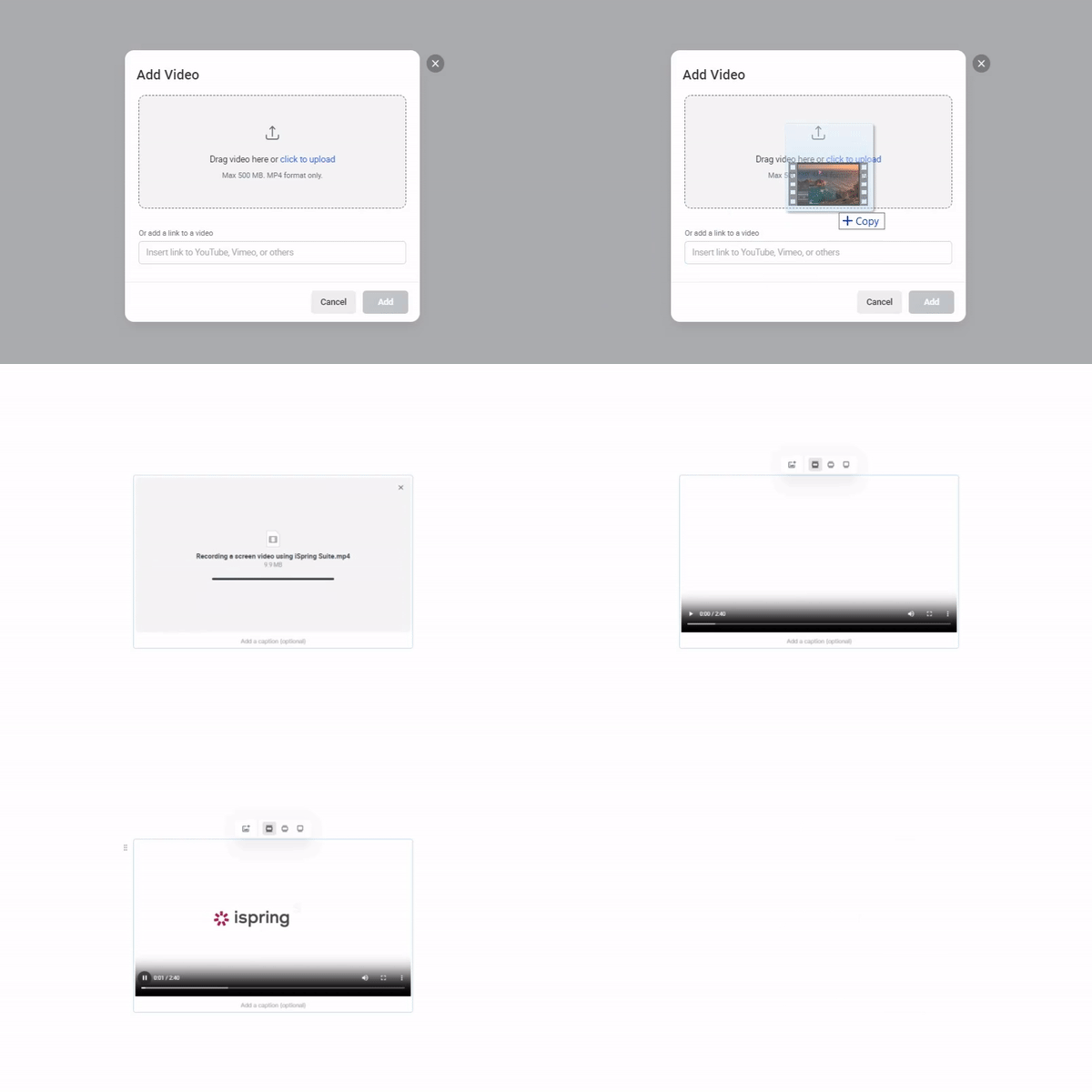
You can drag a video from the folder where it’s located and drop it in the desired location.
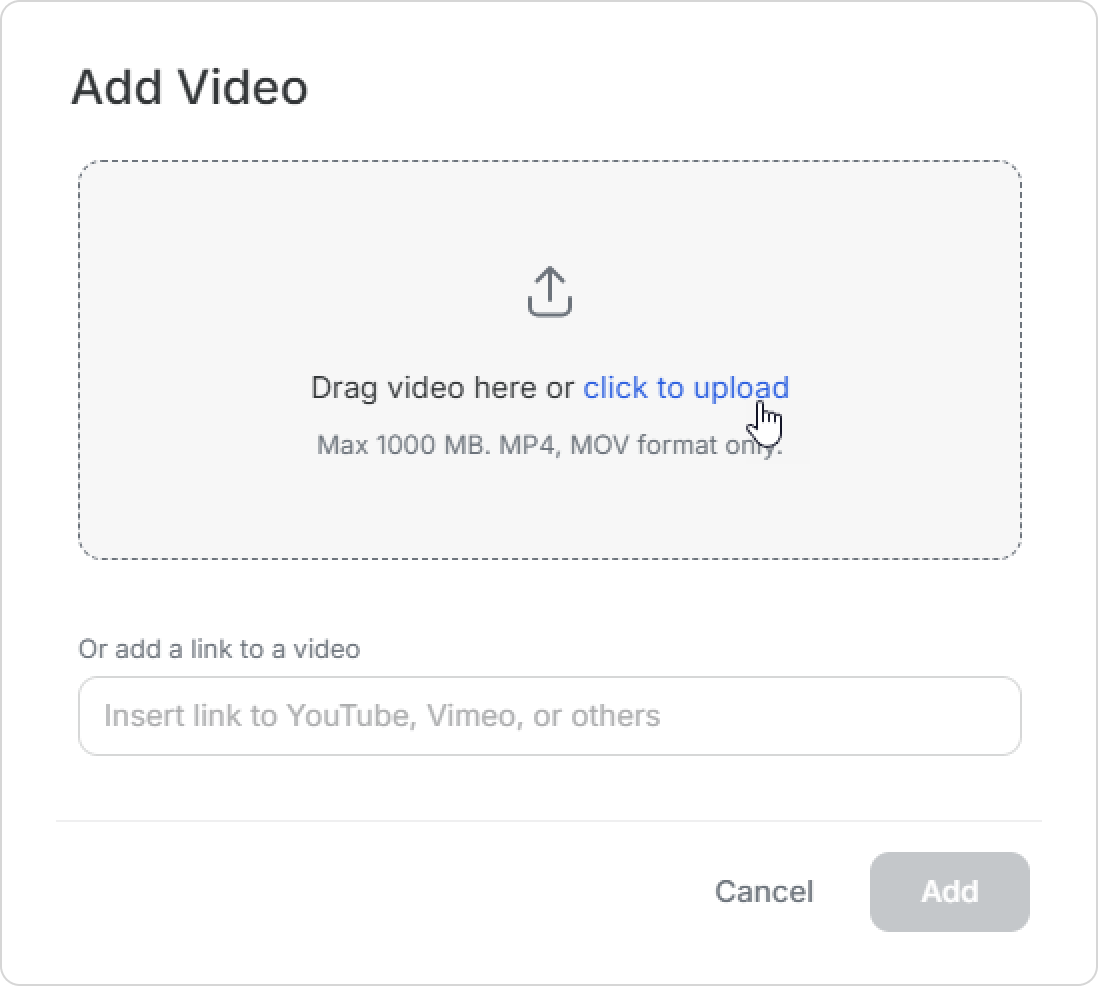
Then, click on click to upload.
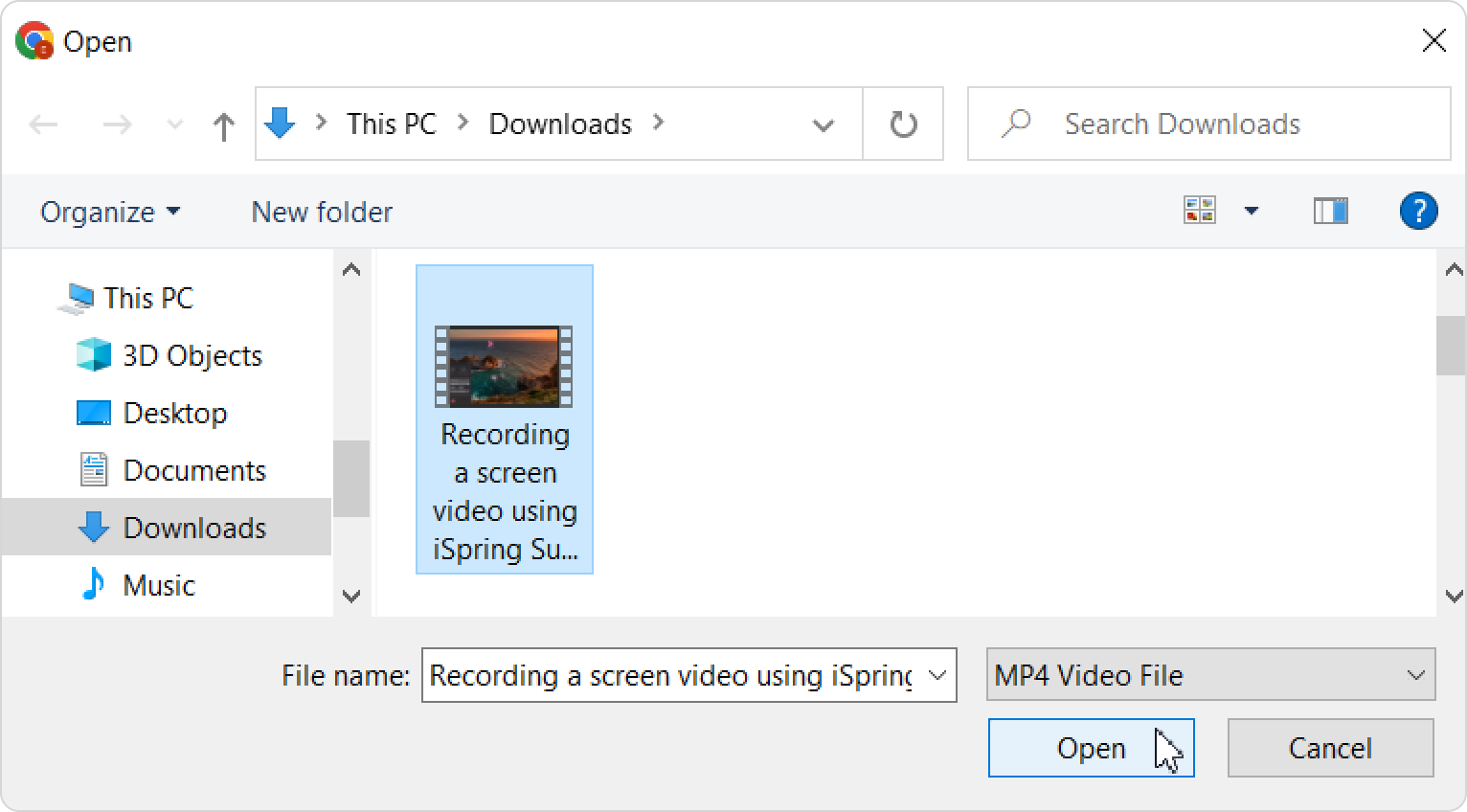
Select the video on your computer and click Open.
Copy the video from another page and paste it onto the new page.

Great! You've uploaded the video. Now you can change the cover image of the video.
- Max size of the video inside a page is 1000 MB.
- Video format is only MP4 and MOV.
- You can add up to 20 files together at once.
- If the video resolution has a width more than 4000px, it will not be displayed on Android smartphones, both online and in the app.